
FlipperZero Cheat Sheet

Custom Firmware
You can install a custom firmware build by the community and replace the official one installed.
It is not recommanded if you do not know what you are doing here, since it may brick your flipper.
You'll find a list of the well known firmware with this Awesome Flipper documentation.
FlipperCLI - Serial Connection
Plug your flipper zero into your computer using the USB-C Cable.
Mostly for MacOs and Unix Users Check the /dev/ folder and look for any devices like
tty.usbmodemflip_FLIPPERNAMEtty.ACMOtty.USB0
If you can't figure out which one you should use, you can disconnect your flipper, save the /dev result and reconnect your flipper then compare both results.

On my end, using MacOS, my flipper would show up with this format, /dev/tty.usbmodemflip_Il4l0w1.
Get a shell
You can use various of tools to connect through the serial port like
# Minicom
minicom -D /dev/tty.usbmodemflip_Il4l0w1 -b 115200

# tio
tio -b 115200 /dev/cu.usbmodem1101

# screen
screen /dev/tty.usbmodemflip_Il4l0w1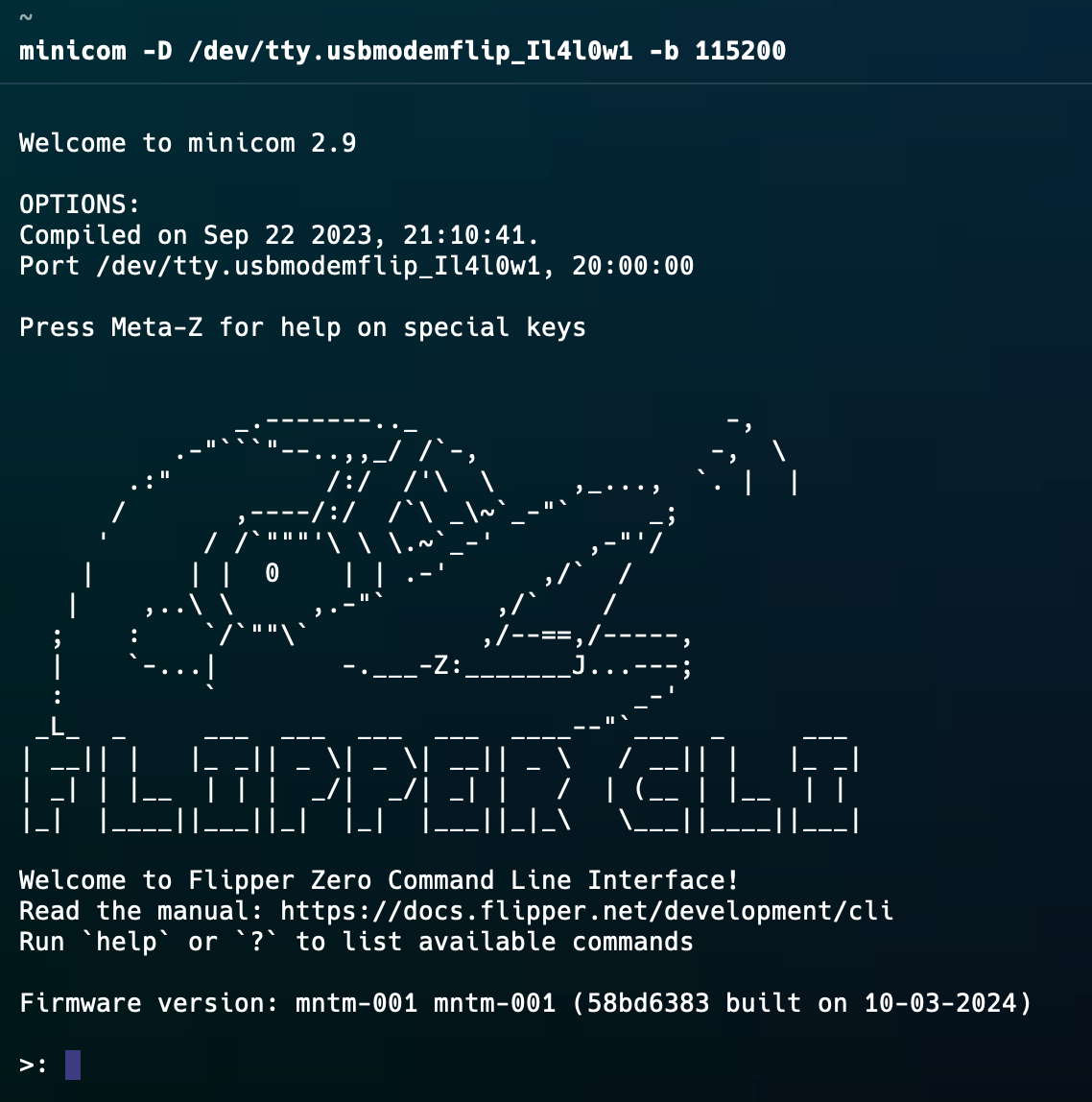
Putty
It's coming ...
GPIO
It's coming ...
UART USB Bridge
It's coming ...
SPI Flash
It's coming ...
Blink LED
This is a simple application code in c that will make an LED Blinks. Its using the piout A7 a resistor and an LED.
   |--R--x-LED--|
   |            |
___|____________|_____
   A7          GND
______________________
#include <furi_hal.h>
int misc_cheesy_main(void* p) {
UNUSED(p);
//Enable pin A7 for output (LED on the board, push-pull)
furi_hal_gpio_init_simple(&gpio_ext_pa7, GpioModeOutputPushPull);
do {
furi_hal_gpio_write(&gpio_ext_pa7, true); // LED on
furi_delay_ms(1000); // 1sec
furi_hal_gpio_write(&gpio_ext_pa7, false); // LED off
furi_delay_ms(1000); // 1sec
} while(furi_hal_gpio_read(&gpio_button_back)); // While button back is not pressed, loop
furi_hal_gpio_init_simple(&gpio_ext_pa7, GpioModeAnalog); //LED off
return 0;
}